PATRONUM
PRNVR9P4 — 9 Channels, 4 PoE Ports
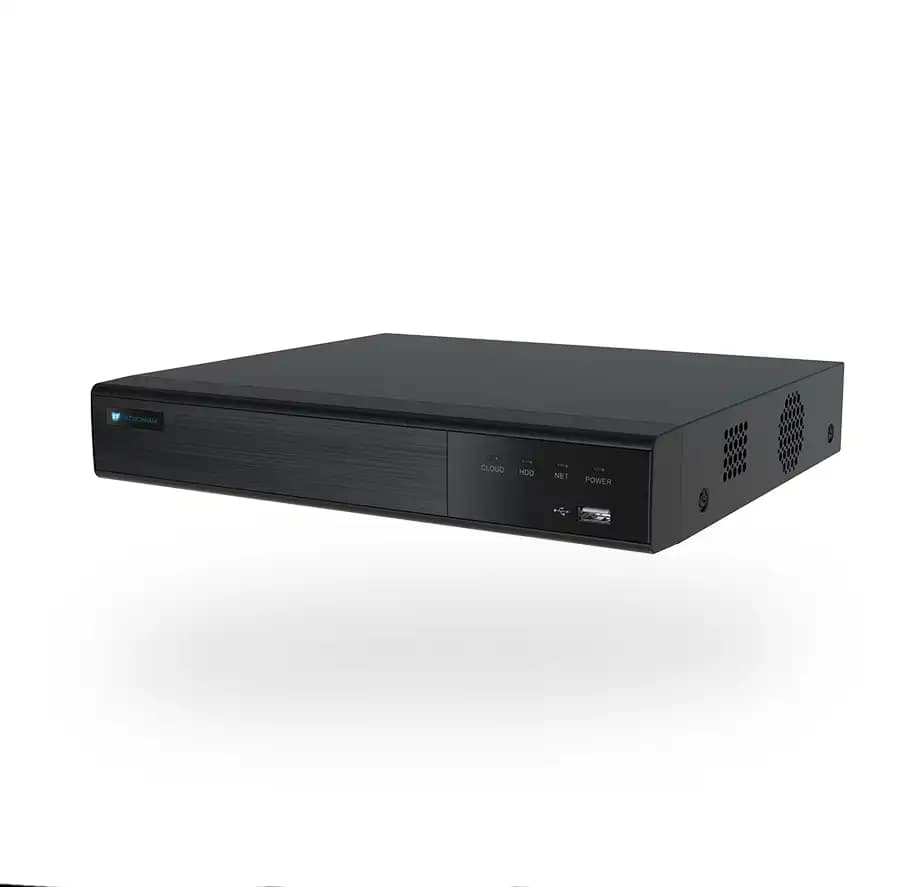
9-channel AI network video recorder with 4 PoE ports. AI analytics run on the recorder — so you get advanced detection even with non-AI cameras. ONVIF Profile S/T/G compatible. P2P remote access from mobile and desktop. Free firmware updates.

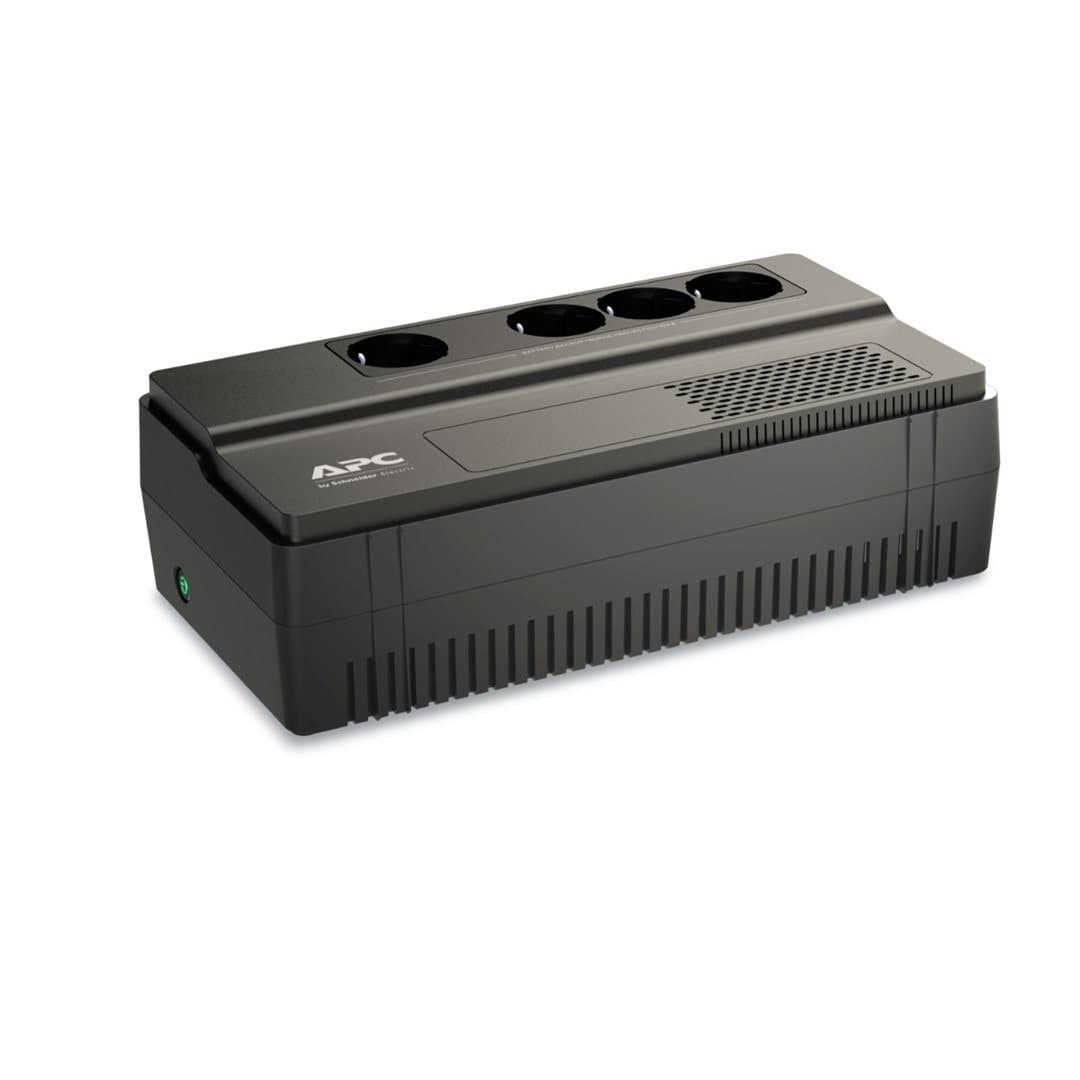
Kompatibilní příslušenství.
Co skutečně umí.
AI on the recorder, not just on the camera
The PRNVR9P4 is more than storage — it runs AI analytics on every connected stream, so you can upgrade an existing fleet of standard IP cameras with person/vehicle/face detection without replacing the cameras themselves. Mix PATRONUM AI cameras with any ONVIF-compliant device.
What you get
- Up to 9 IP cameras, each up to 12 MP / 30 FPS
- 4 built-in PoE ports (15 W per channel) — power and data on a single cable
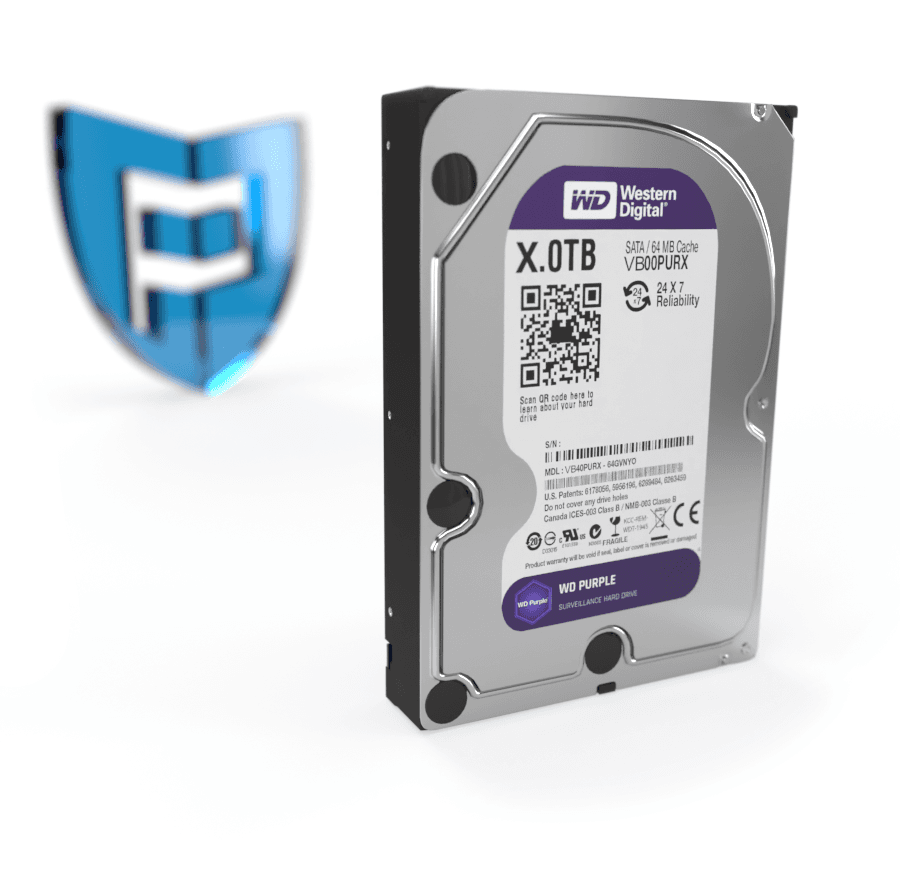
- SATA slot for HDDs up to 10 TB
- SSL-encrypted streams, free P2P remote access (no port forwarding required)
- H.265+ / H.264+ for efficient long-term storage
- Loop recording with intelligent retention
Compatibility
- ONVIF Profile S/T/G — works with virtually any IP camera
- Synology, LOXONE, FIBARO and other home-automation systems
- Web UI in English + 20 other languages
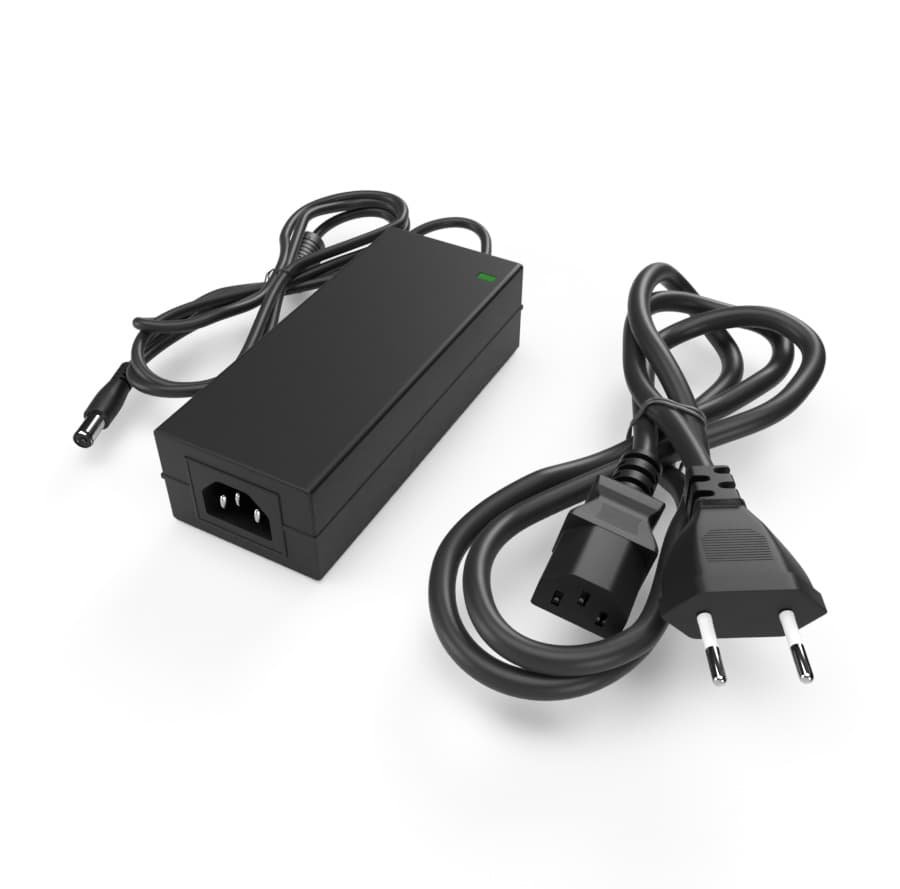
Includes power supply, USB mouse, mounting screws. 24 + 12 month warranty, free firmware updates and PATRONUM Care service package.
Postavený pro tisíce hodin záznamu. Bez ztráty kvality.
Detekce na NVR
AI běží v rekordéru — pracuje i s kamerami bez vlastní AI. Push notifikace na mobil.
Bez veřejné IP
Mobile aplikace BitVision se připojí přes unikátní SN — bez port forwardingu.
Funguje s libovolnou kamerou
ONVIF Profile S/T/G — připojíte i kamery jiných výrobců přes standardní protokol.
Every parameter, in detail.
Zapadne do toho, co už máte.
Co najdete v krabici.
Na co se zákazníci ptají nejčastěji.
Máte dotaz na konfiguraci nebo HDD? Naši technici poradí v pracovní dny 8:00–17:00.
Kontaktovat podporuCo říkají zákazníci, kteří si produkt už koupili.
Zatím žádné recenze. Buďte první po nákupu.
Datasheet, manuál a firmware.
Guides and articles, that may help.
Setting up a BitVision account and adding a device
BitVision is a cloud platform for managing PATRONUM cameras via mobile and PC. This guide walks you through account registration, adding a device by QR code, and starting remote monitoring.
Night vision types — IR, Smart Light, Color24 and Dual Light
What does a camera really see at night? A comparison of technologies — classic IR (black & white), Smart Light (color with floodlight), Color24 (color in minimal light) and Dual Light (combination). When to choose which?
Security camera lenses
Overview of security camera lens types — from fixed focal length to varifocal zoom. We'll help you pick the right field of view.
Configuration of IP camera system with PoE switch
Step-by-step guide to configuring an IP camera system with a PoE switch — IP address setup, NVR pairing, and troubleshooting common issues.
Connecting the camera system to the internet for remote monitoring
Remote viewing via P2P doesn't require a public IP address — just connect the device to the internet and use the mobile app. The guide shows P2P configuration, the DDNS alternative and port forwarding.
Adding an IP camera to an NVR recorder without PoE
Step-by-step guide to adding an IP camera to an NVR recorder that does not have PoE ports. Configuration in the recorder menu is quick and takes only a few minutes.