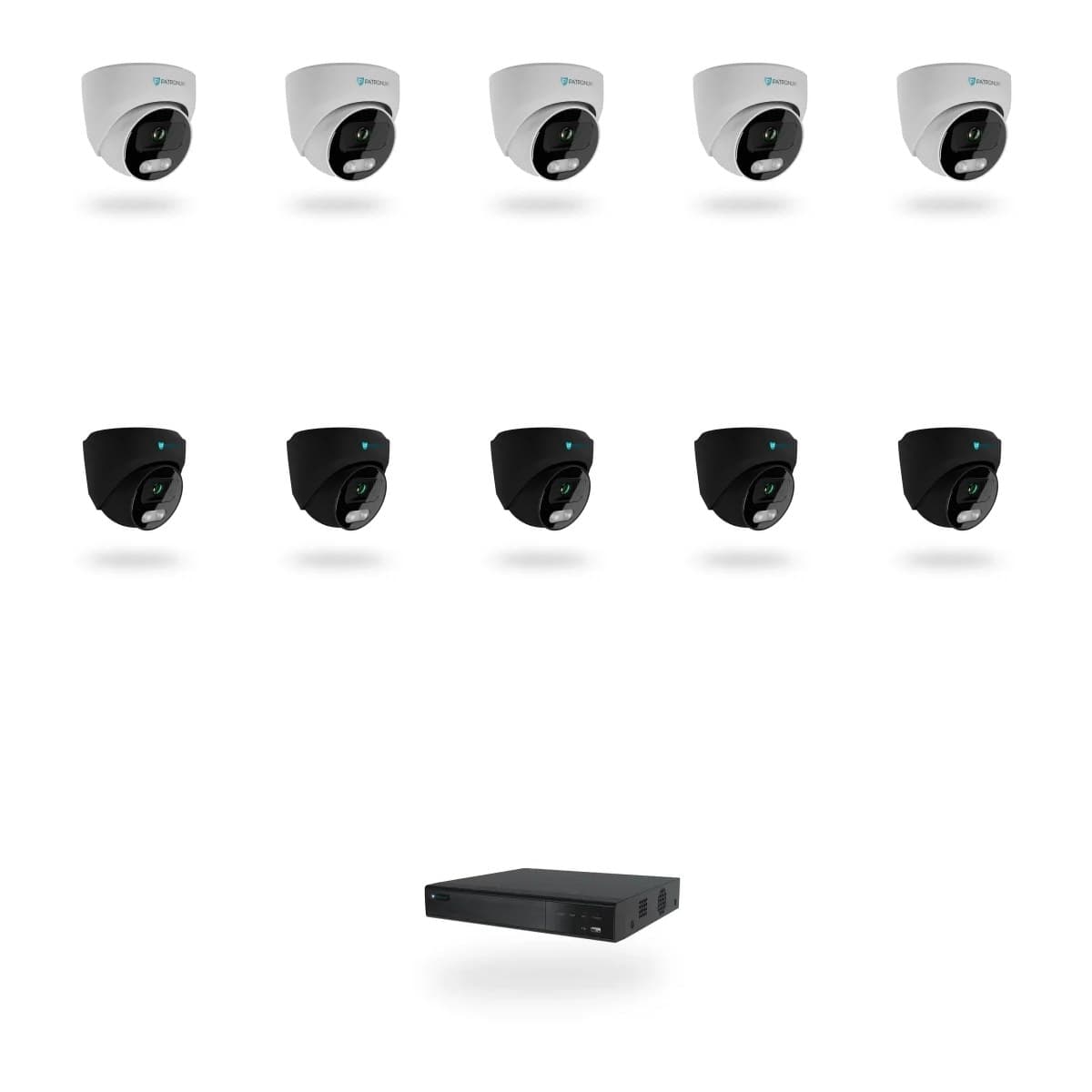
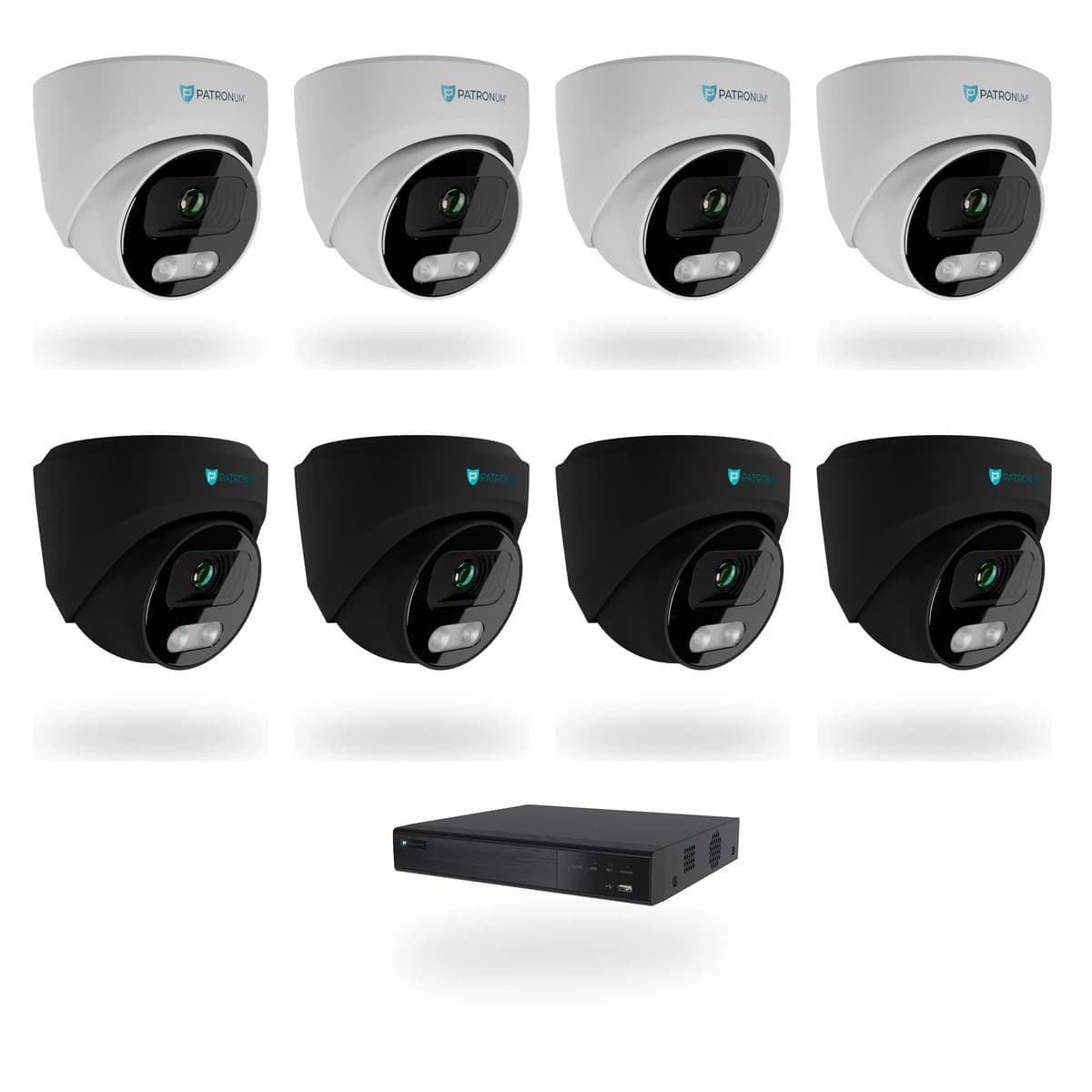
5× DOME 5 Mpx + NVR 16-kanál PoE
Kamerový set PATRONUM s 5 AI IP kamerami DOME 5 Mpx (AI IP kamera PATRONUM PRD35 Gen2) a rekordérem AI NVR rekordér PATRONUM PRNVR16P8. Noční vidění do 30 m, 16 kanálů na rekordéru, 8x RJ45 PoE — kamery napájí jediný síťový kabel.
Upozorníme Vás emailem, jakmile bude produkt opět skladem.
Co DOME 5 skutečně umí.
Sada obsahuje 5× AI IP kamera PATRONUM PRD35 Gen2 a AI NVR rekordér PATRONUM PRNVR16P8. Kamery se k rekordéru připojují jedním UTP kabelem do PoE portu (EEE 802.3af - 15W/port) — ten je zároveň napájí, takže odpadá samostatný zdroj i externí switch.
Co kamera zvládne
- Rozlišení 5 Mpx (2592 × 1944 px)
- Snímač 1/2.8 SONY® STARVIS™ BSI CMOS WDR
- WDR 120 dB — zvládne protisvětlo u vchodu i reflektory aut
- Noční vidění do 30 m
- Minimální osvětlení: Color: 0.005 Lux
- AI přímo v kameře (1.2 TOPS) — rozliší osoby a vozidla od planého pohybu
Rekordér
- 16 kanálů celkem, 8x RJ45 s PoE — 5 obsazených, zbytek v rezervě pro pozdější rozšíření
- Záznam lokálně na disk, žádný cloud ani měsíční poplatky
- Pevný disk není součástí sady — volíte podle délky historie
Every parameter, in detail.
Co říkají zákazníci, kteří si DOME 5 už koupili.
Zatím žádné recenze. Buďte první po nákupu.
Z rodiny PATRONUM.
Guides and articles, that may help.
Setting up a BitVision account and adding a device
BitVision is a cloud platform for managing PATRONUM cameras via mobile and PC. This guide walks you through account registration, adding a device by QR code, and starting remote monitoring.
How to secure cameras against hacking — practical checklist
An IP camera with the default password is exploitable on the internet within 24 hours. The guide walks you through 10 concrete steps — strong password, up-to-date firmware, isolated VLAN, UPnP off, two-factor auth.
Adding an IP camera to an NVR recorder without PoE
Step-by-step guide to adding an IP camera to an NVR recorder that does not have PoE ports. Configuration in the recorder menu is quick and takes only a few minutes.
Connecting the camera system to the internet for remote monitoring
Remote viewing via P2P doesn't require a public IP address — just connect the device to the internet and use the mobile app. The guide shows P2P configuration, the DDNS alternative and port forwarding.
How to choose a PoE switch for your camera system
Planning IP cameras and need a PoE switch? The guide explains 802.3af vs 802.3at, how to calculate the power budget, port count, NVR uplink and recommended models by project size.
I forgot my device password
Forgot the password to your camera or NVR? Step-by-step instructions on resetting an IP camera using the physical microswitch and reset procedures for PATRONUM NVR recorders.