10× BULLET 5 Mpx + NVR 16-kanál PoE
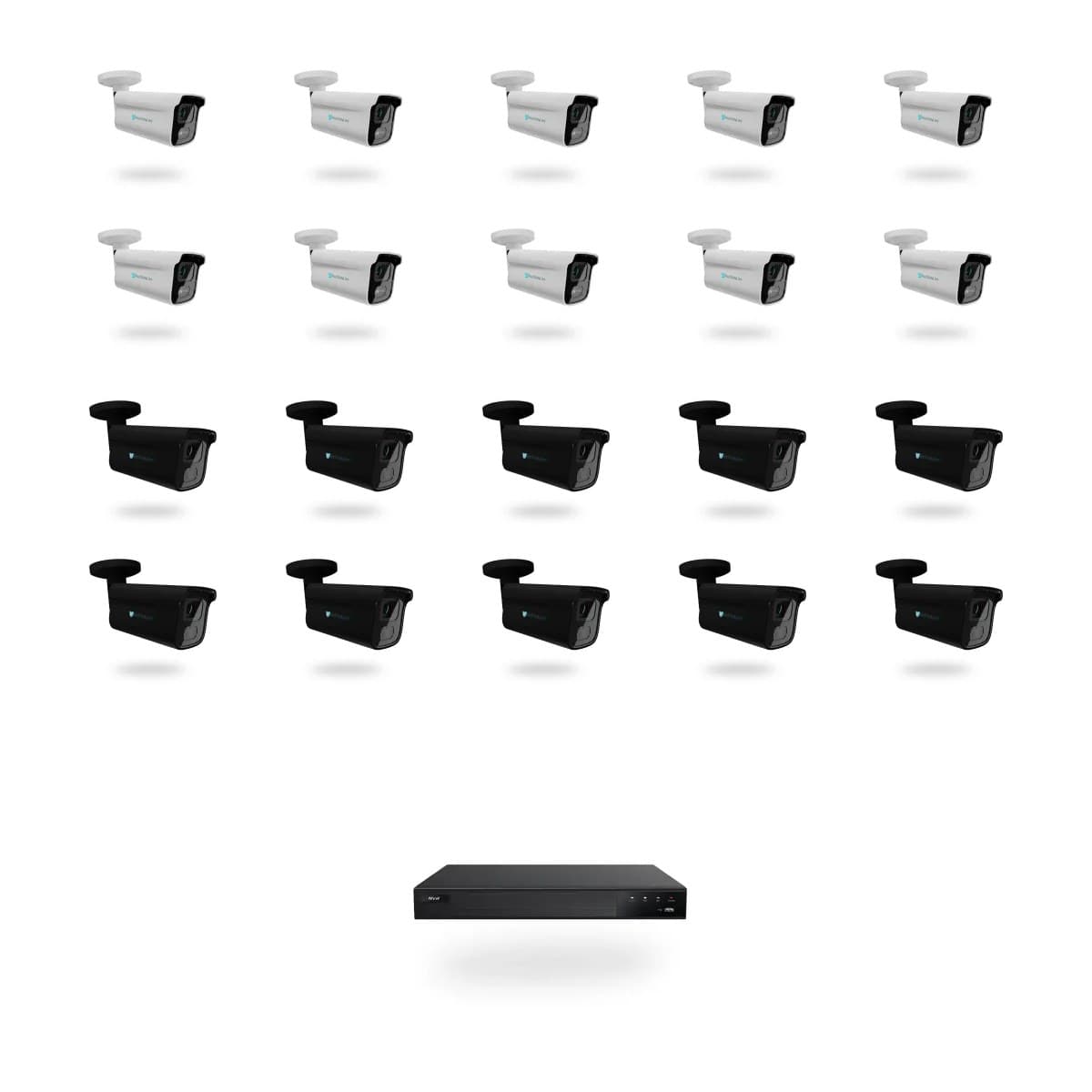
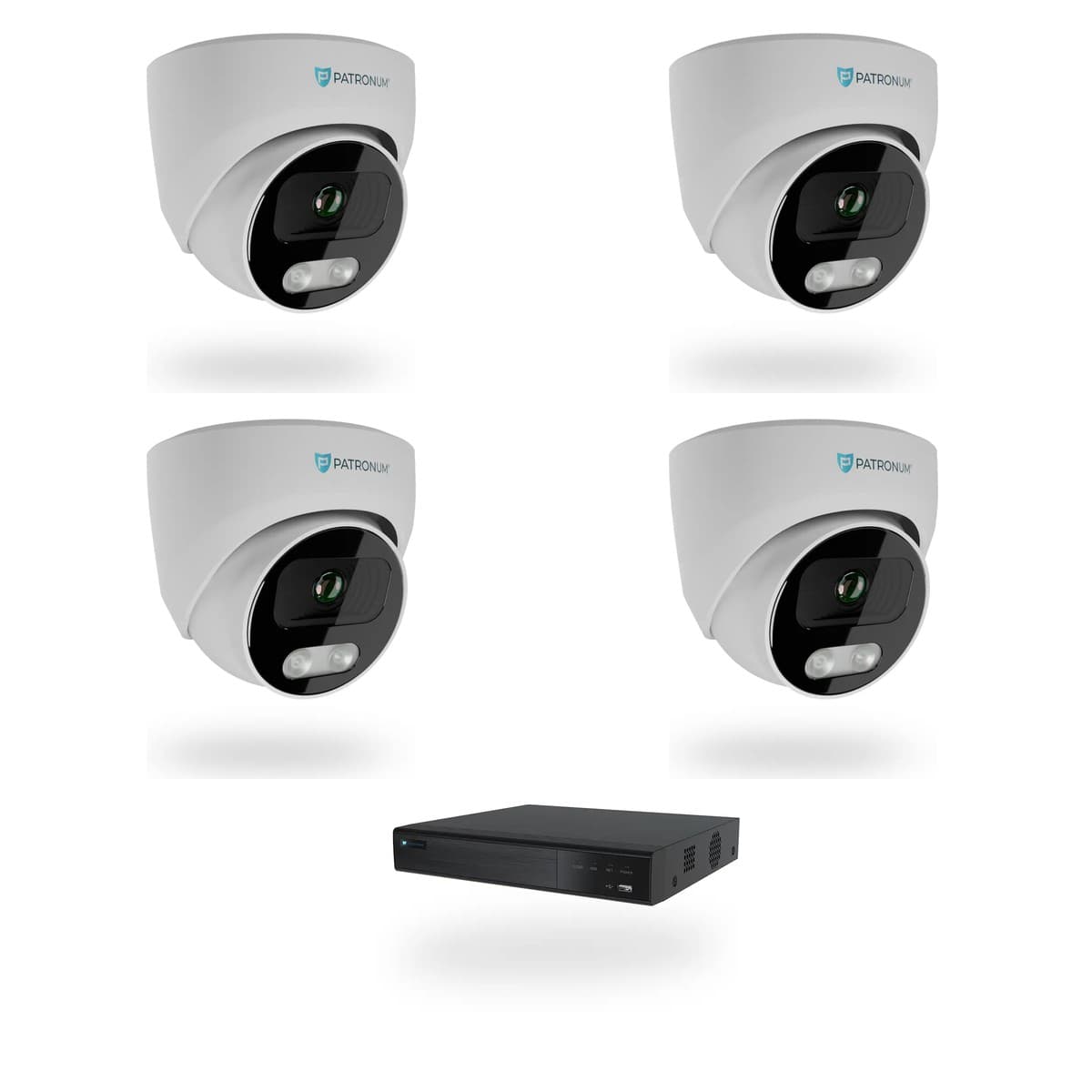
Kamerový set PATRONUM s 10 AI IP kamerami BULLET 5 Mpx (AI IP kamera PATRONUM PRB35 Gen2) a rekordérem AI NVR rekordér PATRONUM PRNVR16P16. Noční vidění do 30 m, 16 kanálů na rekordéru, 16x RJ45 PoE — každou kameru napájí jediný síťový kabel, bez externího switche.
Co NVR 16 skutečně umí.
Sada obsahuje 10× AI IP kamera PATRONUM PRB35 Gen2 a AI NVR rekordér PATRONUM PRNVR16P16. Všech 10 kamer se připojí přímo do PoE portů rekordéru () — ten je zároveň napájí, takže odpadá samostatný zdroj i externí switch.
Co kamera zvládne
- Rozlišení 5 Mpx (2592 × 1944 px)
- Snímač 1/2.8 BSI CMOS WDR
- WDR 120 dB — zvládne protisvětlo i reflektory aut
- Noční vidění do 30 m
- Minimální osvětlení: Color: 0.003 Lux, B/W: 0 Lux s IR
- AI přímo v kameře (1.2 TOPS) — rozliší osoby a vozidla od planého pohybu
Rekordér
- 16 kanálů celkem, 16x RJ45 s PoE — 10 obsazených, zbytek v rezervě
- Záznam lokálně na disk, žádný cloud ani měsíční poplatky
- Pevný disk není součástí sady — volíte podle délky historie
Every parameter, in detail.
Co říkají zákazníci, kteří si NVR 16 už koupili.
Zatím žádné recenze. Buďte první po nákupu.
Z rodiny PATRONUM.
Guides and articles, that may help.
Setting up a BitVision account and adding a device
BitVision is a cloud platform for managing PATRONUM cameras via mobile and PC. This guide walks you through account registration, adding a device by QR code, and starting remote monitoring.
How to secure cameras against hacking — practical checklist
An IP camera with the default password is exploitable on the internet within 24 hours. The guide walks you through 10 concrete steps — strong password, up-to-date firmware, isolated VLAN, UPnP off, two-factor auth.
Security camera lenses
Overview of security camera lens types — from fixed focal length to varifocal zoom. We'll help you pick the right field of view.
Night vision types — IR, Smart Light, Color24 and Dual Light
What does a camera really see at night? A comparison of technologies — classic IR (black & white), Smart Light (color with floodlight), Color24 (color in minimal light) and Dual Light (combination). When to choose which?
Connecting the camera system to the internet for remote monitoring
Remote viewing via P2P doesn't require a public IP address — just connect the device to the internet and use the mobile app. The guide shows P2P configuration, the DDNS alternative and port forwarding.
What is P2P connection?
P2P (peer-to-peer) connection enables remote access to your camera system without needing a public IP address. Learn how it works and its benefits.