PATRONUM
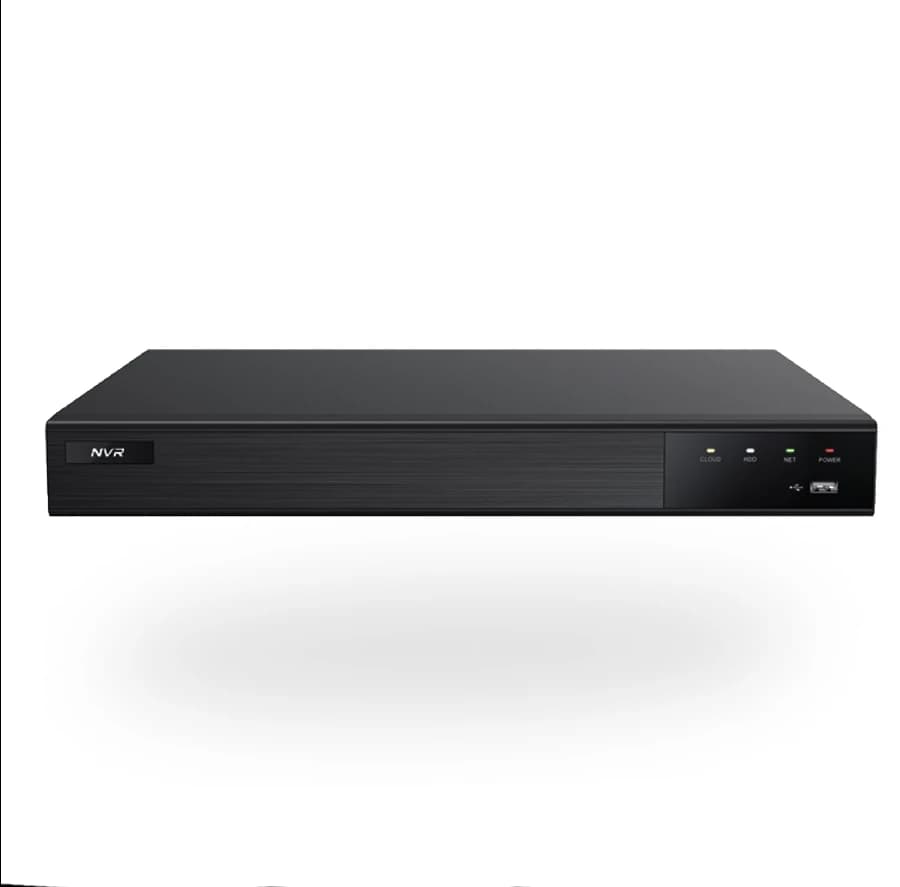
PRNVR32P16 — 32 Channels, 16 PoE Ports
Network video recorder with integrated PoE (16× RJ45). ONVIF Profile S/T/G — compatible with any IP camera. Free P2P mobile access via BitVision (no public IP required).
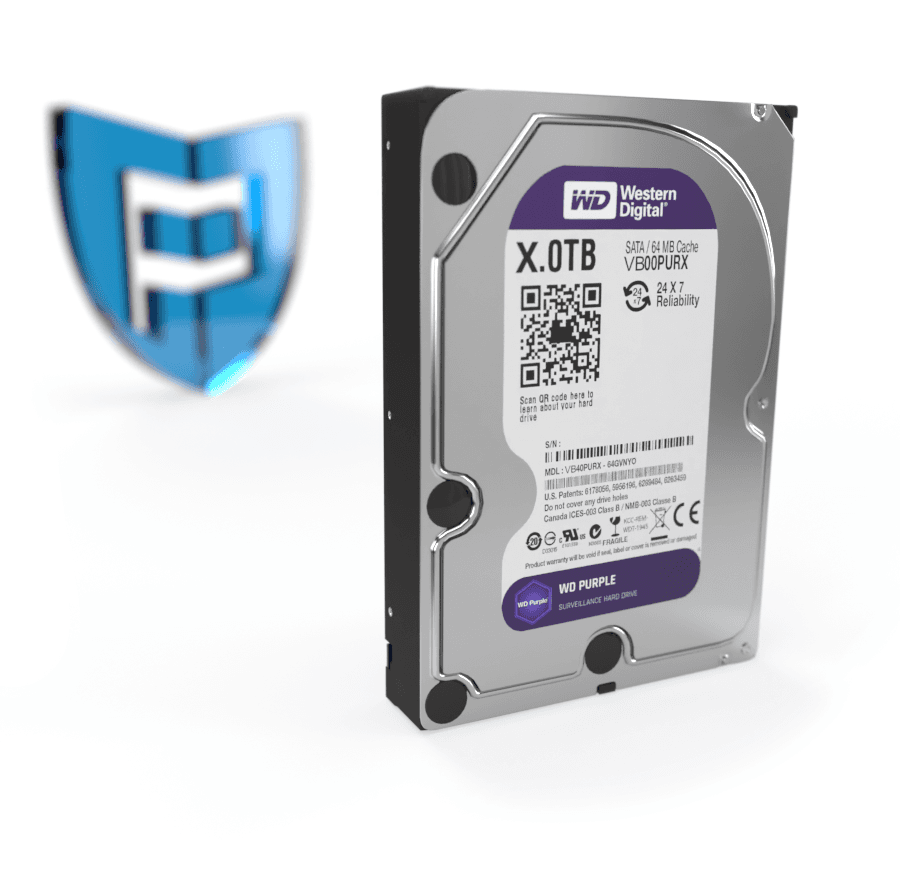
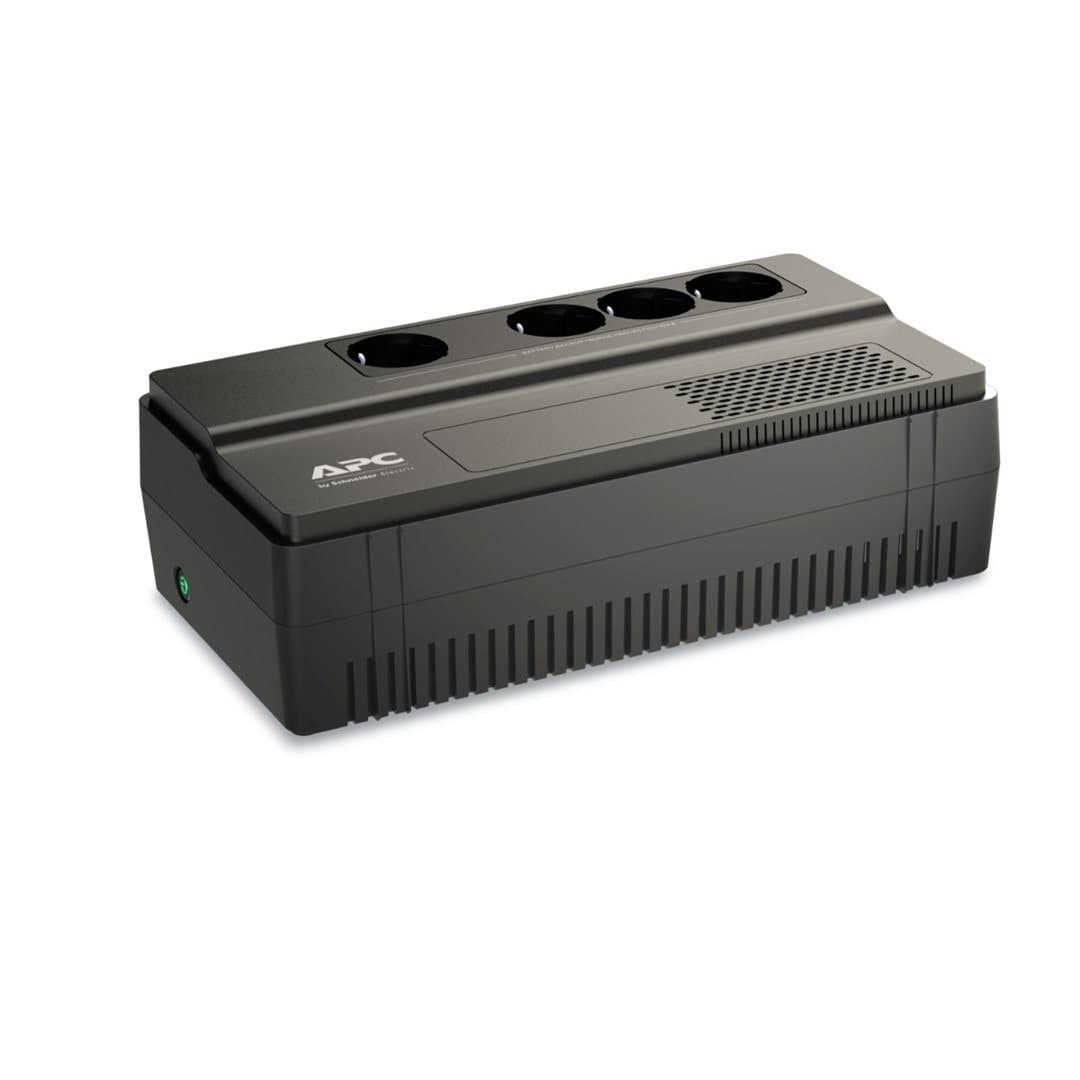
Kompatibilní příslušenství.

Co skutečně umí.
Centralized recording for your camera system
The PRNVR32P16 is a 32-channel AI IP NVR with 16 integrated PoE ports. It centralizes recording, viewing and management for the entire camera system in one device with its own user interface.
Integrated PoE ports (16× RJ45)
Cameras connect directly via the integrated PoE ports — no external switch, no separate power supply at each camera location. A single UTP cable carries data and power. Ideal for installations where the network infrastructure is built around the recorder.
P2P mobile access
The BitVision app (iOS/Android) connects to the recorder via P2P — no port forwarding, no public IP. Just scan the QR code with the recorder's serial number. Remote viewing, playback, push notifications on events — all encrypted over SSL/TLS.
Postavený pro tisíce hodin záznamu. Bez ztráty kvality.
Bez veřejné IP
Mobile aplikace BitVision se připojí přes unikátní SN — bez port forwardingu.
Funguje s libovolnou kamerou
ONVIF Profile S/T/G — připojíte i kamery jiných výrobců přes standardní protokol.
Every parameter, in detail.
Zapadne do toho, co už máte.
Co najdete v krabici.
Na co se zákazníci ptají nejčastěji.
Máte dotaz na konfiguraci nebo HDD? Naši technici poradí v pracovní dny 8:00–17:00.
Kontaktovat podporuCo říkají zákazníci, kteří si produkt už koupili.
Zatím žádné recenze. Buďte první po nákupu.
Datasheet, manuál a firmware.
Guides and articles, that may help.
Setting up a BitVision account and adding a device
BitVision is a cloud platform for managing PATRONUM cameras via mobile and PC. This guide walks you through account registration, adding a device by QR code, and starting remote monitoring.
How to secure cameras against hacking — practical checklist
An IP camera with the default password is exploitable on the internet within 24 hours. The guide walks you through 10 concrete steps — strong password, up-to-date firmware, isolated VLAN, UPnP off, two-factor auth.
Configuration of IP camera system with PoE switch
Step-by-step guide to configuring an IP camera system with a PoE switch — IP address setup, NVR pairing, and troubleshooting common issues.
How to choose a PoE switch for your camera system
Planning IP cameras and need a PoE switch? The guide explains 802.3af vs 802.3at, how to calculate the power budget, port count, NVR uplink and recommended models by project size.
Reasons for proper camera-system grounding
Proper grounding of a camera system protects equipment from surges, eliminates interference and ensures personal safety and long camera life.
What are the H.264 and H.265 codecs
H.264 and H.265 are video codecs used in security cameras. Learn how they save storage space and reduce data flow.