PATRONUM
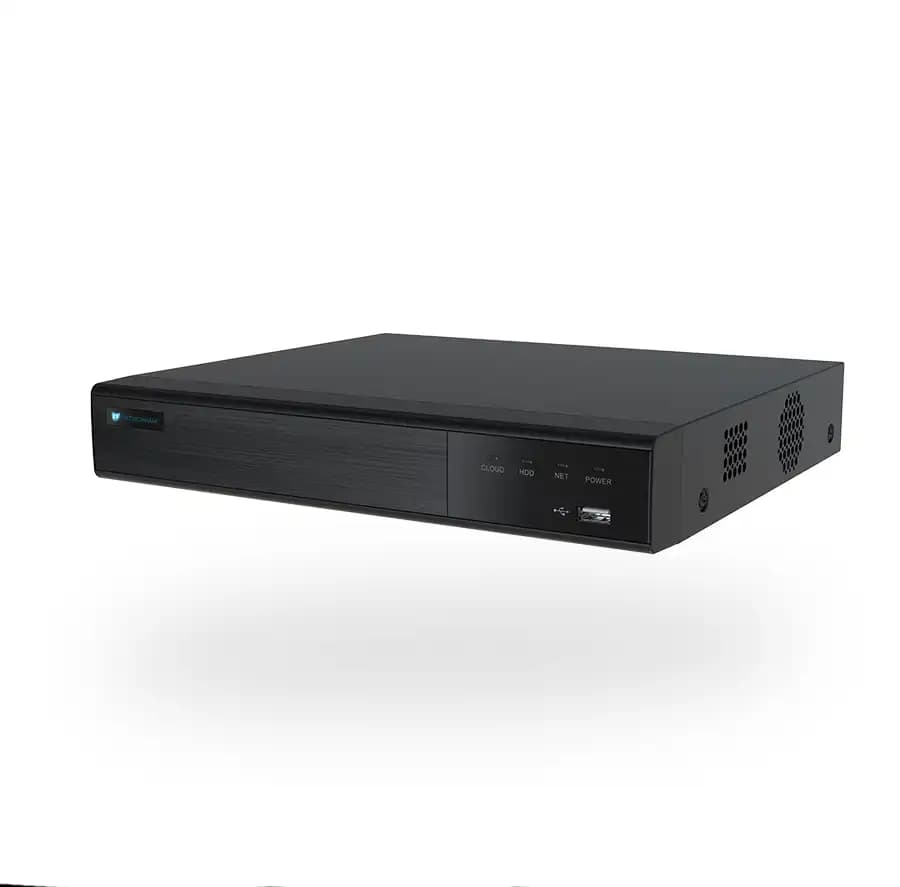
PRNVR16P8 — 16 Channels, 8 PoE Ports
16-channel AI network video recorder with 8 PoE ports. AI analytics run on the recorder — so you get advanced detection even with non-AI cameras. The right choice for medium and large installations.
Kompatibilní příslušenství.

Co skutečně umí.
AI on the recorder, not just on the camera
The PRNVR16P8 scales the AI-on-recorder concept to mid-sized installations. 16 channels with 8 PoE ports built in — enough for most family homes, small commercial sites and farm properties. Add a PoE switch if you need to go beyond 8 cameras.
What you get
- Up to 16 IP cameras, each up to 12 MP / 30 FPS
- 8 built-in PoE ports (15 W per channel)
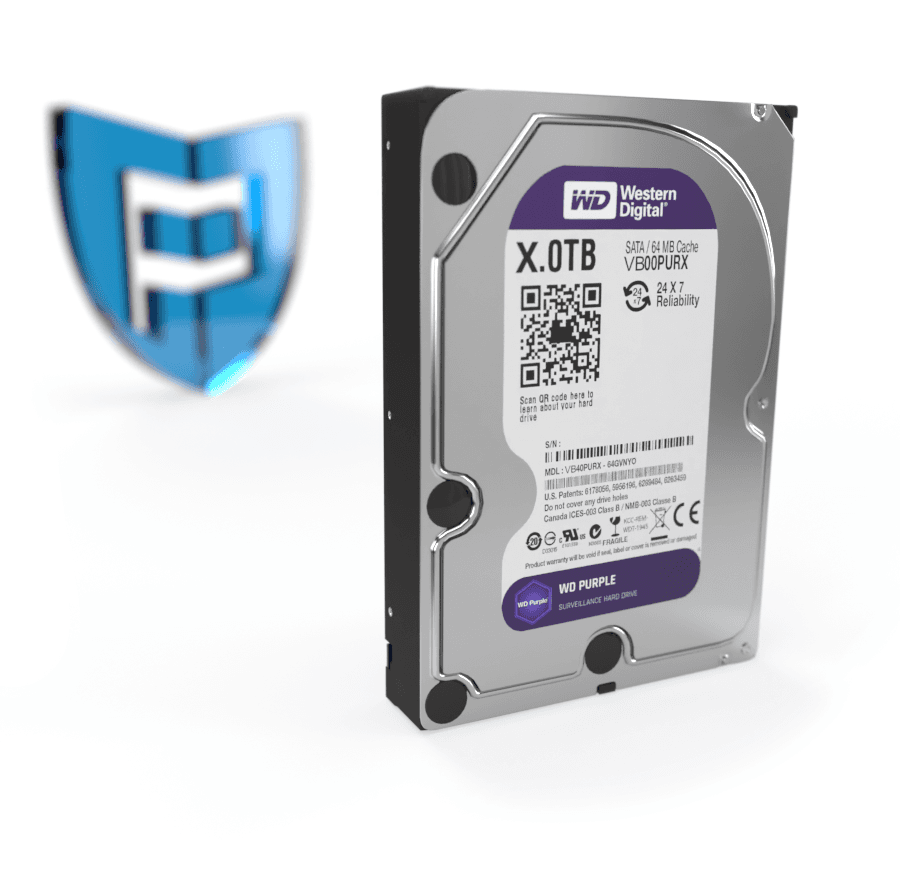
- SATA slot for HDDs up to 10 TB
- SSL-encrypted, free P2P remote access
- H.265+ / H.264+
- Loop recording
Compatibility
- ONVIF Profile S/T/G
- Synology, LOXONE, FIBARO and other home-automation systems
- Web UI in English + 20 other languages
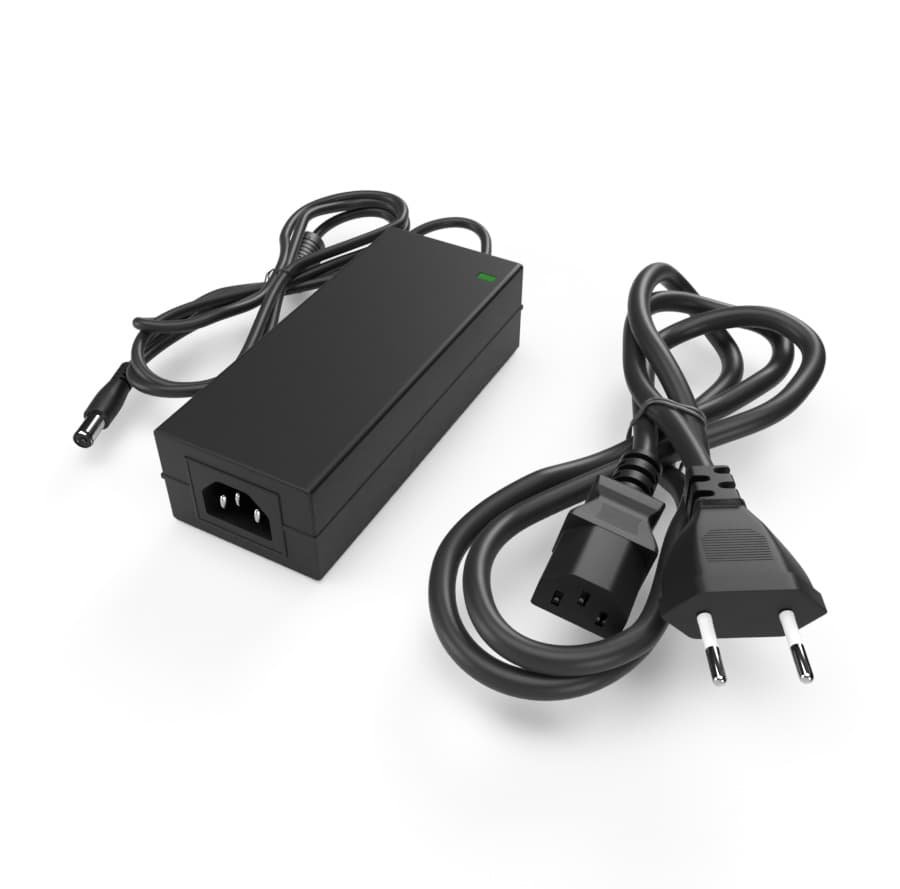
Includes power supply, USB mouse, mounting screws. 24 + 12 month warranty, free firmware updates.
Postavený pro tisíce hodin záznamu. Bez ztráty kvality.
Detekce na NVR
AI běží v rekordéru — pracuje i s kamerami bez vlastní AI. Push notifikace na mobil.
Bez veřejné IP
Mobile aplikace BitVision se připojí přes unikátní SN — bez port forwardingu.
Funguje s libovolnou kamerou
ONVIF Profile S/T/G — připojíte i kamery jiných výrobců přes standardní protokol.
Every parameter, in detail.
Zapadne do toho, co už máte.
Co najdete v krabici.
Na co se zákazníci ptají nejčastěji.
Máte dotaz na konfiguraci nebo HDD? Naši technici poradí v pracovní dny 8:00–17:00.
Kontaktovat podporuCo říkají zákazníci, kteří si produkt už koupili.
Zatím žádné recenze. Buďte první po nákupu.
Datasheet, manuál a firmware.
Guides and articles, that may help.
Setting up a BitVision account and adding a device
BitVision is a cloud platform for managing PATRONUM cameras via mobile and PC. This guide walks you through account registration, adding a device by QR code, and starting remote monitoring.
How to secure cameras against hacking — practical checklist
An IP camera with the default password is exploitable on the internet within 24 hours. The guide walks you through 10 concrete steps — strong password, up-to-date firmware, isolated VLAN, UPnP off, two-factor auth.
I forgot my device password
Forgot the password to your camera or NVR? Step-by-step instructions on resetting an IP camera using the physical microswitch and reset procedures for PATRONUM NVR recorders.
Night vision types — IR, Smart Light, Color24 and Dual Light
What does a camera really see at night? A comparison of technologies — classic IR (black & white), Smart Light (color with floodlight), Color24 (color in minimal light) and Dual Light (combination). When to choose which?
Online camera system monitoring — costs and requirements
Find out what online monitoring of a camera system costs and what internet speed you need for smooth video streaming.
How to choose a PoE switch for your camera system
Planning IP cameras and need a PoE switch? The guide explains 802.3af vs 802.3at, how to calculate the power budget, port count, NVR uplink and recommended models by project size.