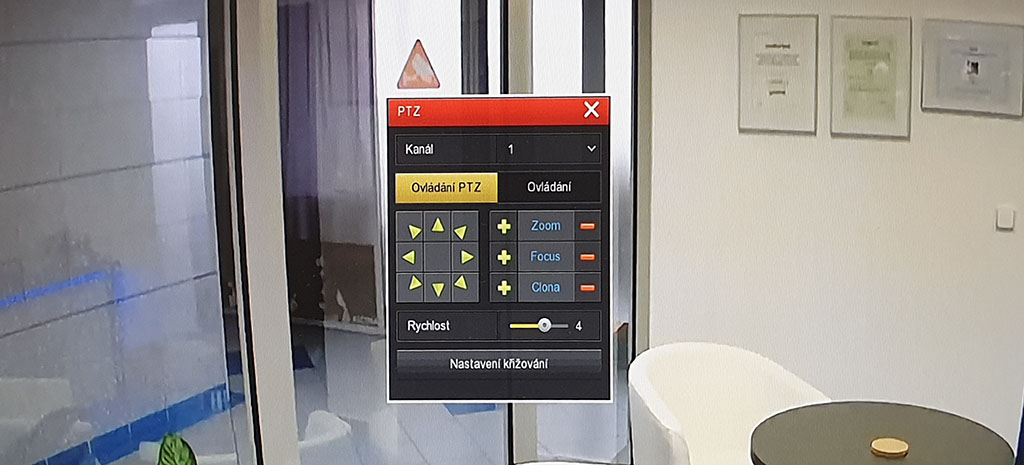
How to control the camera lens and movement
- Right-click with the USB mouse to open the recorder login and sign in.
- After logging in, right-click again on the camera screen you want to control.
- Go to PTZ in the quick menu.
- The camera will fill the screen and a PTZ control window will appear in the bottom-left corner.
- Click + and − next to ZOOM to control the lens. FOCUS is for manual focusing. The directional arrows pan/tilt the camera.