How to add a PATRONUM IP camera to Synology Surveillance Station
Adding a PATRONUM IP camera to Synology Surveillance Station offers two integration paths with the following conditions:
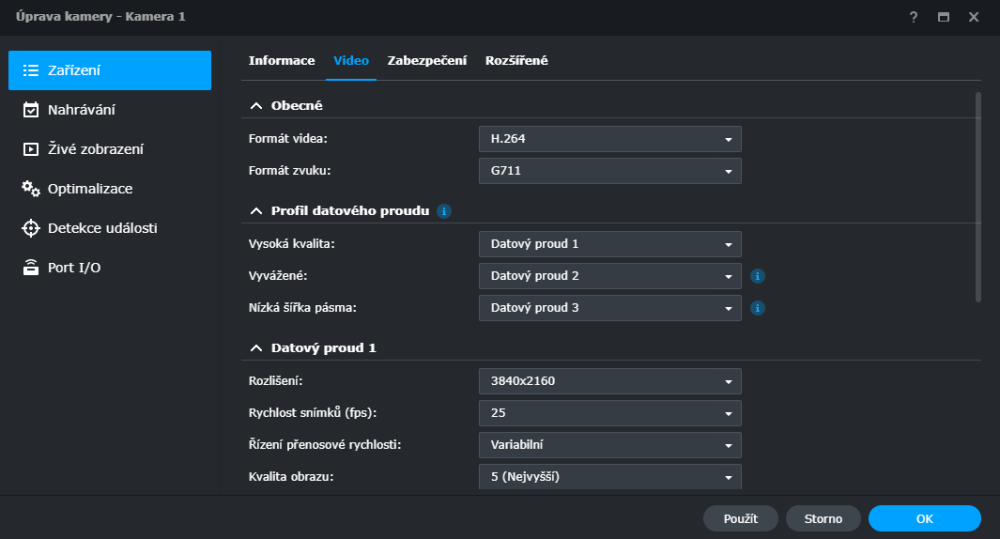
- The camera must be in H.264 compression mode (H.265 is also possible, but it requires additional Synology software and licences and Synology's detection features will be limited).
Via ONVIF
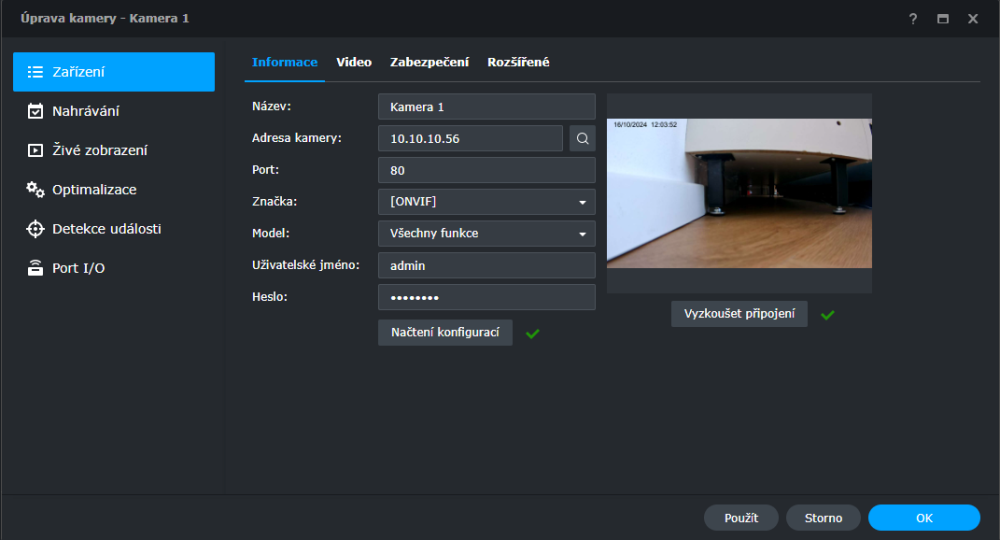
Configuration can be done via the generic ONVIF protocol. In this case Synology Surveillance Station will receive video, audio, detection events, PTZ control, two-way audio and the I/O port. Detection is handled by Synology.
- Camera address: the camera's IP on the LAN
- Port: camera HTTP port
- Brand: ONVIF
- Model: Stream-only
- Username: camera user (default: admin)
- Password: camera user password (default: admin)
Via RTSP
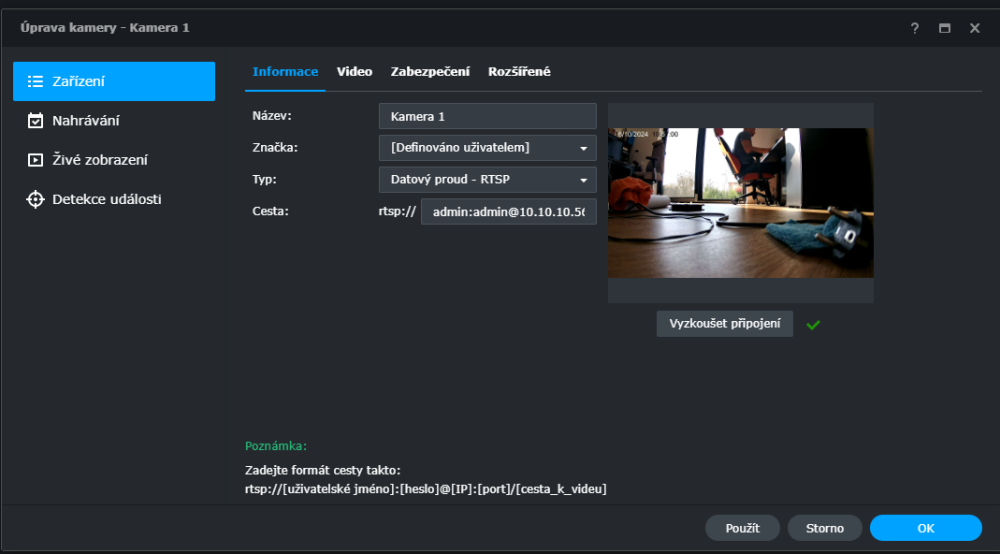
Configuration can be done via the generic RTSP protocol. Synology Surveillance Station will then receive video and audio. Detection is handled by Synology.