What is motion detection?
Motion detection is a special function of PATRONUM security cameras and recorders that compares image changes in real time and, based on user-defined rules, starts and stops recording or performs other actions.
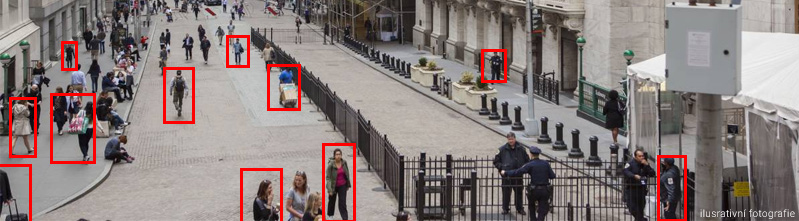
Pros of using detection
- It saves up to 90% of storage space and lets you keep recordings several times longer than continuous recording would.
- Finding the desired clip is much easier — you can see only the detection events and browse them quickly.
- For backup you don't have to download many tens of minutes — just the actual event, often only tens of seconds long.
- If you want to be informed about a detection event, you can be notified for example by email.
Cons of classic detection
Note that systems with classic detection don't yet recognise the relevance of motion and only work with the size of the image change and user-set rules (sensitivity and area). As a result false alarms can occur. This drawback can be eliminated by enabling AI person or vehicle detection, where the system can recognise specific shapes and movement within the rules and thus eliminates false alarms.
How is detection configured?
On PATRONUM camera systems motion detection is always set per camera/channel. The configuration consists of a detection area, sensitivity and a schedule for individual days and hours of the week.